
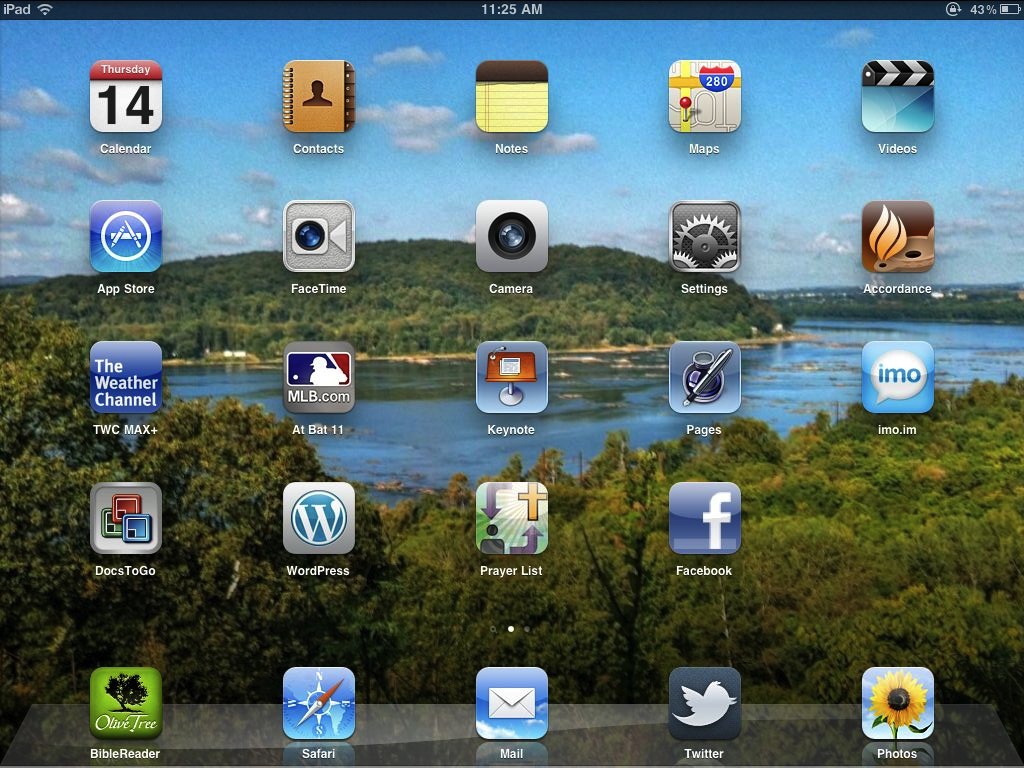
Just about one month ago I stood in line with my friend Vernl, awaiting the “appointed hour” for the iPad to be released. I had a blast waiting with some other anti-social geek-types, and had some ideas in mind how I’d use this tool before I purchased it. So, I thought I’d share a bit about how my experience has matched up against my expectations.
First, in the past month I’ve found myself using my MacBook less and less. If I’m taking notes at a meeting, working on a special order of worship, or planning a funeral the iPad has been the tool of choice (just as I planned). At the same time, however, I’ve used the iPad almost exclusively to read news, IM, tweet, check Facebook, and keep track of baseball scores (MLB at Bat on the iPad is drool-worthy). The exact same thing is true at home as it is when I’m working, the iPad is just “there,” and gets out of the way at the same time. It’s a wonderful balance.
Second, I do prefer the physical keyboard for typing. Apparently there are studies being done that show how kids who grow up with the on-screen keyboard are able to type as fast as people who learned on a physical one, but I didn’t grow up with an on-screen keyboard and it manages to drive me crazy at times. I don’t think I’d ever type a sermon from scratch using my iPad, for example.
Third, I much prefer blogging from my laptop. I utterly despise the official wordpress client for iPad (I’ve had too many screw-ups with it to feel any affection), and while apps such as BlogPress help, I have to write code to format the text the way I want. This is OK, as I know html and can visualize the look of an article as I write it, but BlogPress needs more “helper” buttons. Manually writing tags on an on-screen keyboard is a nightmare. There are technical challenges to a wysiwyg editor (I asked) but is it too much to ask for paragraph and list buttons?
Fourth, I use my iPhone much less. Many of the tasks I did on my iPhone now do on the iPad to take advantage of the larger screen. Quick e-mails to groups with time-sensitive information, scheduling appointments, and jotting down quick notes in Evernote are all tasks which have migrated to my iPad.
Fifth, I find myself increasingly annoyed by any app which doesn’t have cloud-syncing capabilities to keep data up-to-date on my various devices. Things is a huge culprit here. I love using Things – it’s a great task-management tool. Yet, it only syncs when I have both the Mac and the iOS app opened. Before I got the iPad I grudgingly accepted the behavior – knowing they were working on a solution. Since I’ve had the iPad, however, Things annoys the living daylights out of me – and I don’t even have the iPad version of Things! Evernote does it right, on any device I use, notes are automatically synced through the cloud. If I do something on my iPad, it shows up on my phone. If I need to check a note I made while I was out, it will be on my Mac. That is what I want, and apps which need to pass data between each other on a regular basis needs to do this.
Finally, I’ve discovered that what Steve Jobs said in his iPad 2 announcement is absolutely true. A personal computer (be it a Mac, Windows, or Linux machine) really is a truck. It’s great for heavy lifting (like complex video editing/rendering, and multi-window tasks like my sermon research), and it tends to be over-kill for “ordinary” tasks. My iPad, has really become my go to device. It’s just there, it’s on, and the experience of using it is amazing. The on-screen keyboard prevents me from using it as my main writing machine at this point – but with the addition of an external keyboard, I foresee myself using it more and more (especially as Accordance’s iOS offering continues to increase in functionality).
When the iPad was announced last year, I thought it was cool. I also couldn’t figure out it’s niche because it looked like an over-sized iPod Touch. Then we found a use the iPad for my son as a reading device, and I’ve never looked back. Having an iPad that is mine to use has changed the way I approach computing just one month. There’s no telling where we’ll be when Honeycomb and webOS* attract even more people not only to this form-factor, but this style of computing!
*if you’re thinking, “What about the playbook?” It doesn’t get in the list because the playbook doesn’t even have a native e-mail client. It’s a Blackberry device without and e-mail client. It’s a slick #fail.
Discover more from Painfully Hopeful
Subscribe to get the latest posts sent to your email.

Just smiling and nodding, just smiling and nodding