
Since I began posting the “Painfully Hopeful” strip with regularly I’ve had a lot of folks ask, “How do you do that cartoon thing?” I’ve mentioned that I do it all on my iPhone, but let me take the time to show you the process…

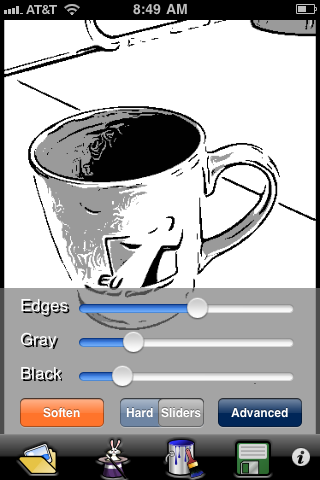
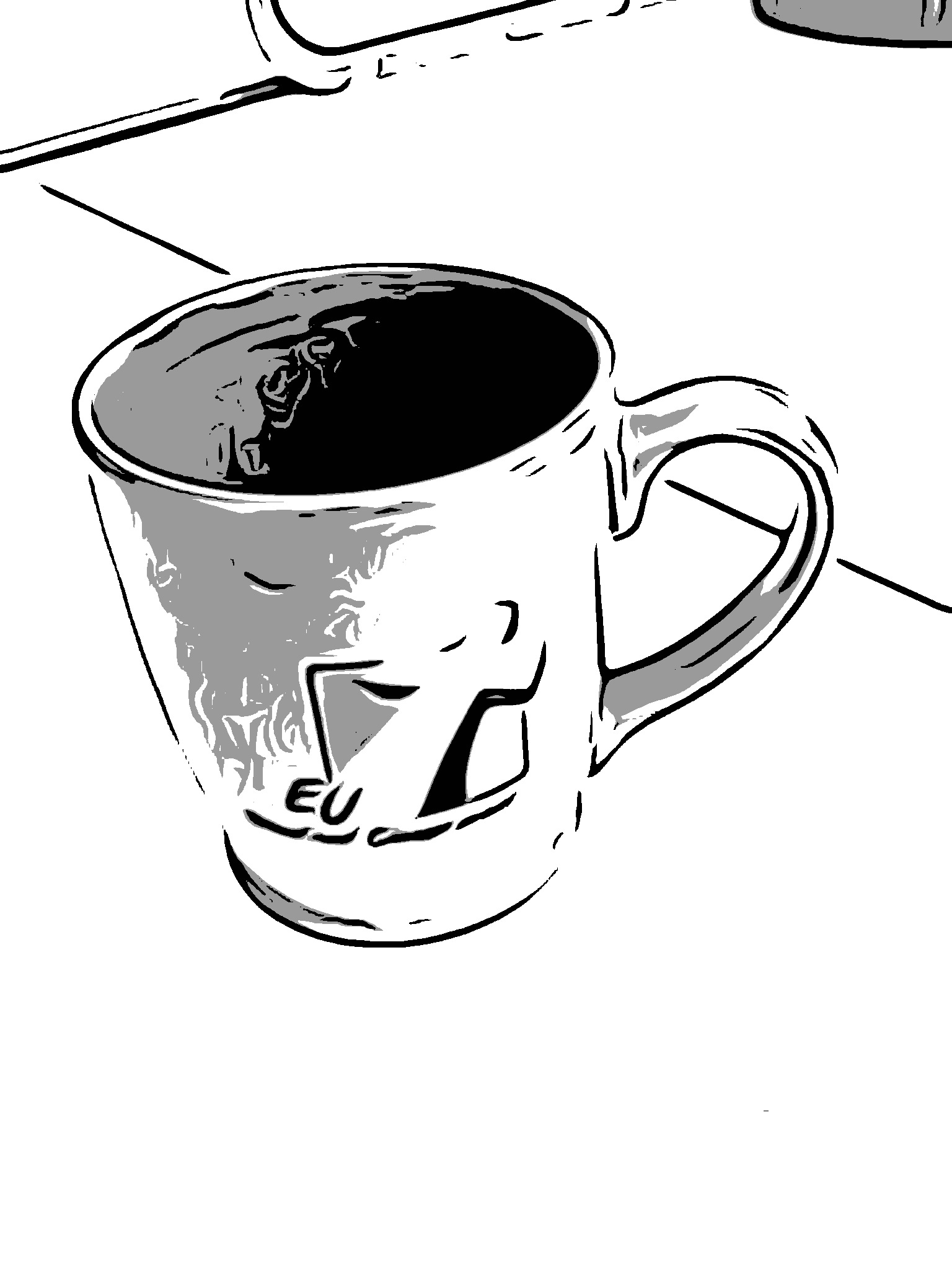
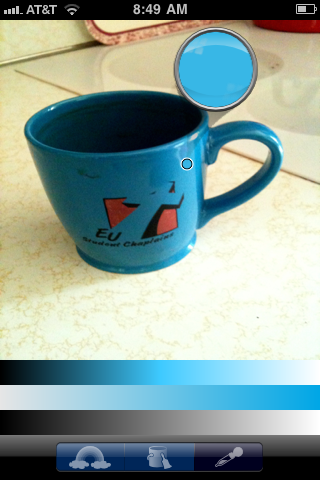
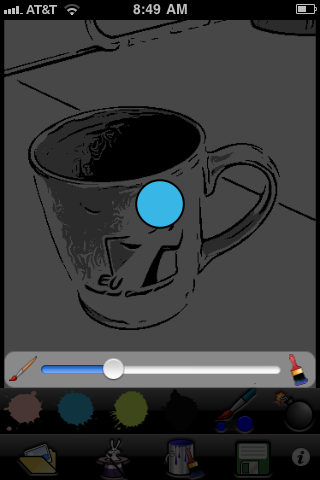

Today, I learned another trick that I can do in the GIMP or Photoshop. If I save the sketch and set it up as a layer above the original with the sketch set to “multiply” it creates a pretty amazing effect. Look for me to use this a bit in the future…

To make my images a comic strip, I use an app called “Strip Designer.” This let’s me put the text bubbles and captions on. Perhaps I’ll show that another time!
Discover more from Painfully Hopeful
Subscribe to get the latest posts sent to your email.
