
Yesterday I picked up a package of Mac productivity apps. For me, the big sell was a Word Processor called Mellel. Ever since I began writing in Markdown and using Scrivener I don’t use traditional word processors all that much any more, so it’s an unusual purchase for me. Melee is supposed to be good for long projects, and has some excellent titling features. I’ll be doing a review of it as I play with it more.
Also tucked into the bundle was a photography utility I’d always heard about, but never had the opportunity to use, Tonality CK. This excellent utility has some impressive developing options, particularly for Black and White photos. So I decided to have a little fun.
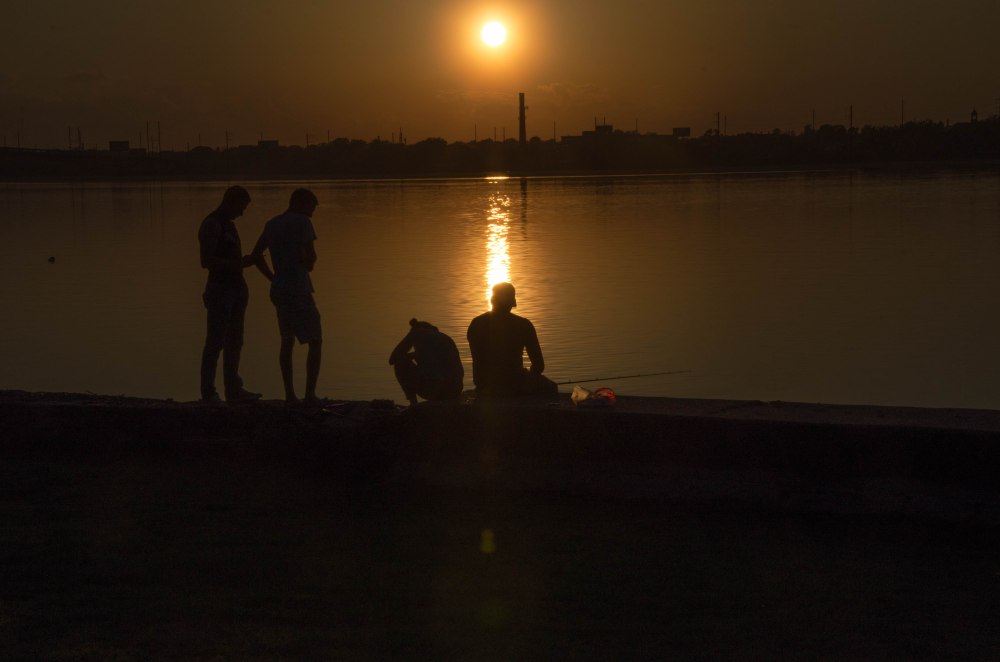
Last week I’d taken a shot of some friends silhouetted along the Delaware as the Sun descended. When I developed in color, the image below was the result.
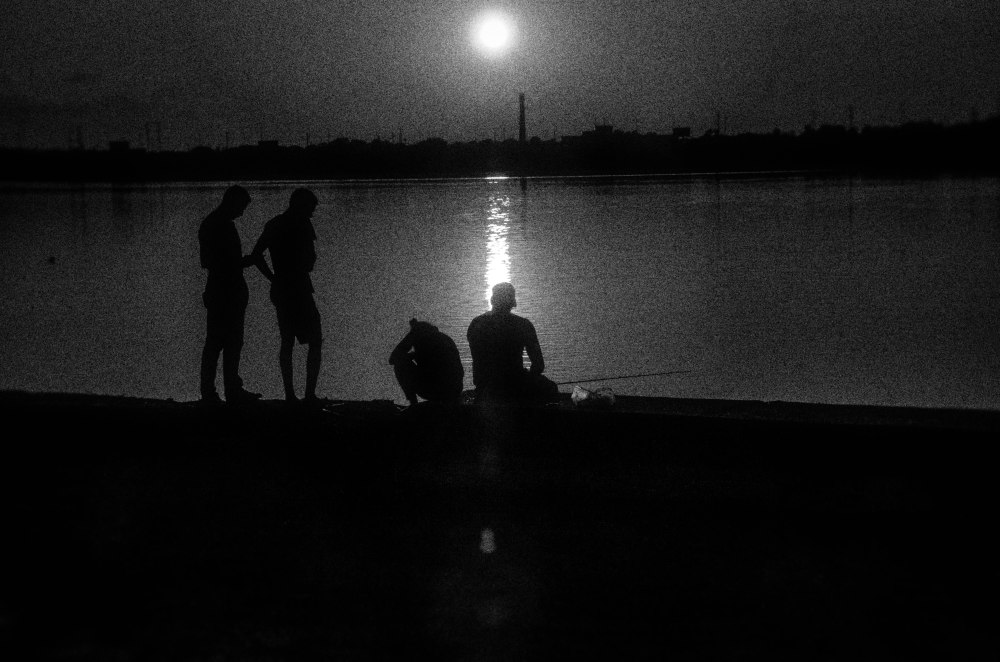
Yesterday I pulled the photo into Tonality CK and set it to a high-contrast with extra-deep shadows and some added grain. The image shifted from peaceful and reflective to somewhat ominous. I love the look!
The higher contrast in the shadows, made me want to take it a step further. I selected the friends and the retaining wall in Photoshop and filled this selection in with black. I then exported the image to a png, whereupon I opened it up in Inkscape, traced the bitmap, and saved it as an SVG to get rid of the more ragged edges of the selection. This I saved again to a png, with the following results.

I love the types of creative processes available to me on the Mac!
Discover more from Painfully Hopeful
Subscribe to get the latest posts sent to your email.

I love the results. Your middle name must be ” creative. “.
Sent from my iPad
>